The Ranking on Google is no longer just about appearing in the top 10 blue links. The Search Engine Results Page (SERP) is now packed with rich features that can drive massive traffic—if you know how to optimize for them. From AI-powered answers to video carousels, Google’s SERP features are shaping how users interact with content.
Table of Contents
Togglewhat is SERP?
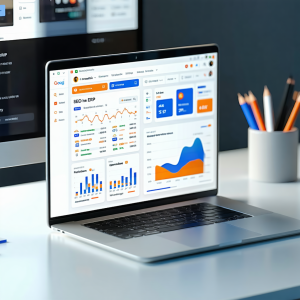
It is a search engine result page that you see after typing a query into a search engine like Google, Bing, or Yahoo.
On a SERP, you’ll usually find:
Organic results (normal website links ranked by Google’s algorithm)
Paid results (ads at the top or bottom)
SERP Features like:
Featured snippets (answer boxes)
Knowledge panels (side information)
Local pack (map results for nearby businesses)
People Also Ask (related questions)
Images, videos, news, shopping results, etc.
Why SERP Features Matter for SEO
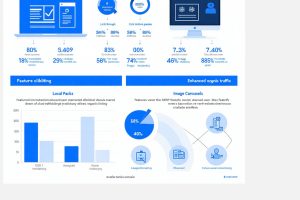
In 2025, securing a spot on the first page of Google is no longer enough. With so many SERP features—like AI Overviews, Featured Snippets, Local Packs, and Video Carousels—Google is pulling more attention away from the traditional “blue links. Here’s why SERP features are critical for SEO:
Higher Visibility
Better Click-Through Rates (CTR)
Authority & Trust
More Traffic Opportunities
Voice Search Optimization
Competitive Advantage.
Top 10 SERP Features in 2025
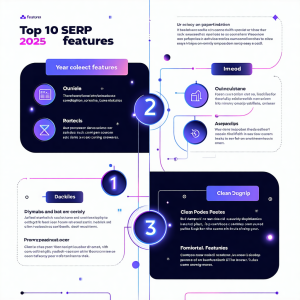
1. AI Overviews (Search Generative Experience – SGE) Google now provides AI-powered summaries right at the top of search results. These provide users with instant answers without requiring a click. How to Optimize? Write comprehensive, fact-based content. Use structured data (FAQ, HowTo schema). Include clear headings and step-by-step explanations.
2. Featured Snippets Known as “Position Zero”, featured snippets display short answers, lists, or tables directly on the SERP. How to Optimize: Answer questions in 40–60 words. Use bullet points, numbered lists, or table. Target question-based keywords.
3. People Also Ask (PAA)The PAA box shows expandable questions related to the search query. How to Optimize: Add FAQ sections to your blog. Use H2/H3 headings with questions. Provide concise, informative answers.
4. Local Pack (Google Maps Results) For local intent searches, Google shows a map with business listings, reviews, and directions. How to Optimize: Claim your Google Business Profile. Keep your NAP (Name, Address, Phone) consistent. Encourage positive customer reviews.
5. Videos—especially from YouTube and Shorts—are highlighted in a horizontal carousel. Create tutorials, reviews, and guides. Use SEO-friendly titles and descriptions. Add timestamps (chapters) for easy navigation.
6. Image Packs When a query is visual, Google shows an image pack at the top of the results. Upload original, high-quality images. Add descriptive file names and alt text. Submit an image sitemap to Google.
7. Knowledge Panels These panels show quick facts about businesses, people, or topics. Use schema markup to define your brand. Wikidata and social profiles. Keep your brand information consistent across the web.
8. Reviews & Star Ratings Products, recipes, and services with star ratings stand out in search results. over breaking news in your niche Submit your site to Google News Publisher Center. Use structured data for articles.
9. Top Stories: Google highlights fresh and trending news articles. Cover breaking news in your niche. Use structured data for articles.
10. Sitelinks Google sometimes shows extra links below your main result, helping users navigate directly to key pages.
How to Optimize for SERP Features